
Zvyšte efektivitu svého obchodu BigCommerce integrací s Amazon MCF (Multi-Channel Fulfilment) pomocí M2E Cloud. Využijte zásoby Amazon FBA (Fulfilment by Amazon) k automatickému plnění objednávek BigCommerce, zefektivněte provoz a snižte náklady.
Podle tohoto průvodce krok za krokem nakonfigurujte aplikaci M2E Multi-Channel Fulfilment by Amazon pro BigCommerce.
Krok 1. Nainstalujte aplikaci #
Začněte instalací aplikace M2E Multi-Channel Fulfillment by Amazon z obchodu s aplikacemi BigCommerce.
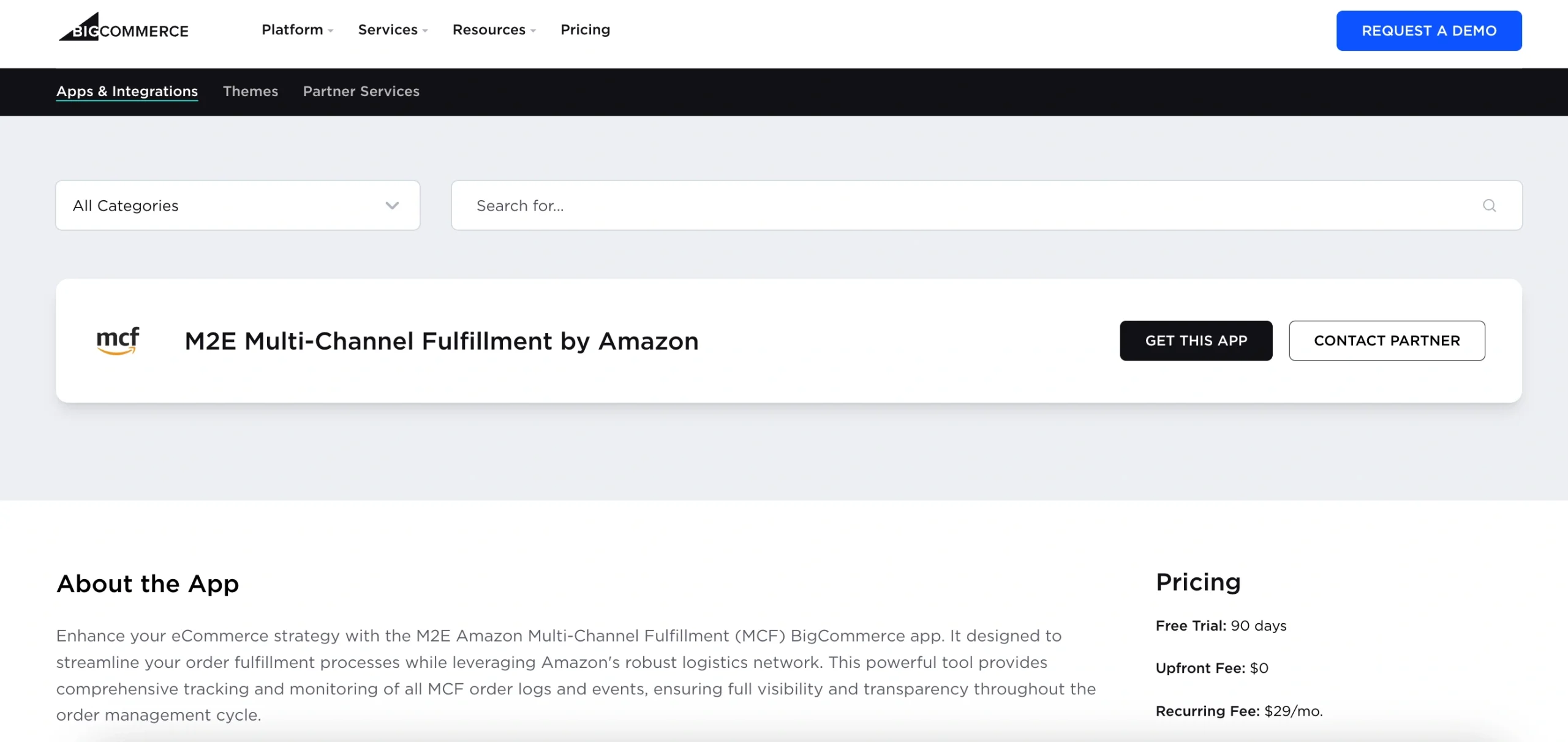
Budete přesměrováni do administrace BigCommerce. Potvrďte, že chcete aplikaci nainstalovat, kliknutím na tlačítko.
Po instalaci budete automaticky přesměrováni na nastavení M2E Amazon MCF.
Krok 2. Propojte svůj prodejní účet na Amazonu #
Propojte svůj účet Amazon Seller Central, aby aplikace měla přístup k údajům o vašich zásobách v rámci služby FBA.
1) Otevřete Řídicí panel v aplikaci M2E Amazon MCF.
2) Klikněte na Propojit účet na tržišti. Aplikace vás přesměruje na přihlašovací stránku Amazonu.
3) Přihlaste se a udělejte aplikaci M2E oprávnění k přístupu k vašemu účtu.

Jakmile bude propojení dokončeno, bude váš účet Amazonu připraven k synchronizaci s vaším obchodem BigCommerce.
Step 3. Link products between BigCommerce and Amazon #
Po propojení účtu aplikace automaticky přiřadí produkty z BigCommerce ke skladovým zásobám Amazon FBA na základě SKU nebo ID produktu.
Pokud se najdou shody, produkty se synchronizují automaticky.
Pokud některé položky nejsou přiřazeny, musíte je propojit ručně:
1) Přejděte do Průvodce nastavením na kartě Řídicí panel.
2) Klikněte na Zobrazit nepropojené produkty v sekci Propojit produkty.
3) Budete přesměrováni na kartu Nabídky, kde dokončíte propojení.
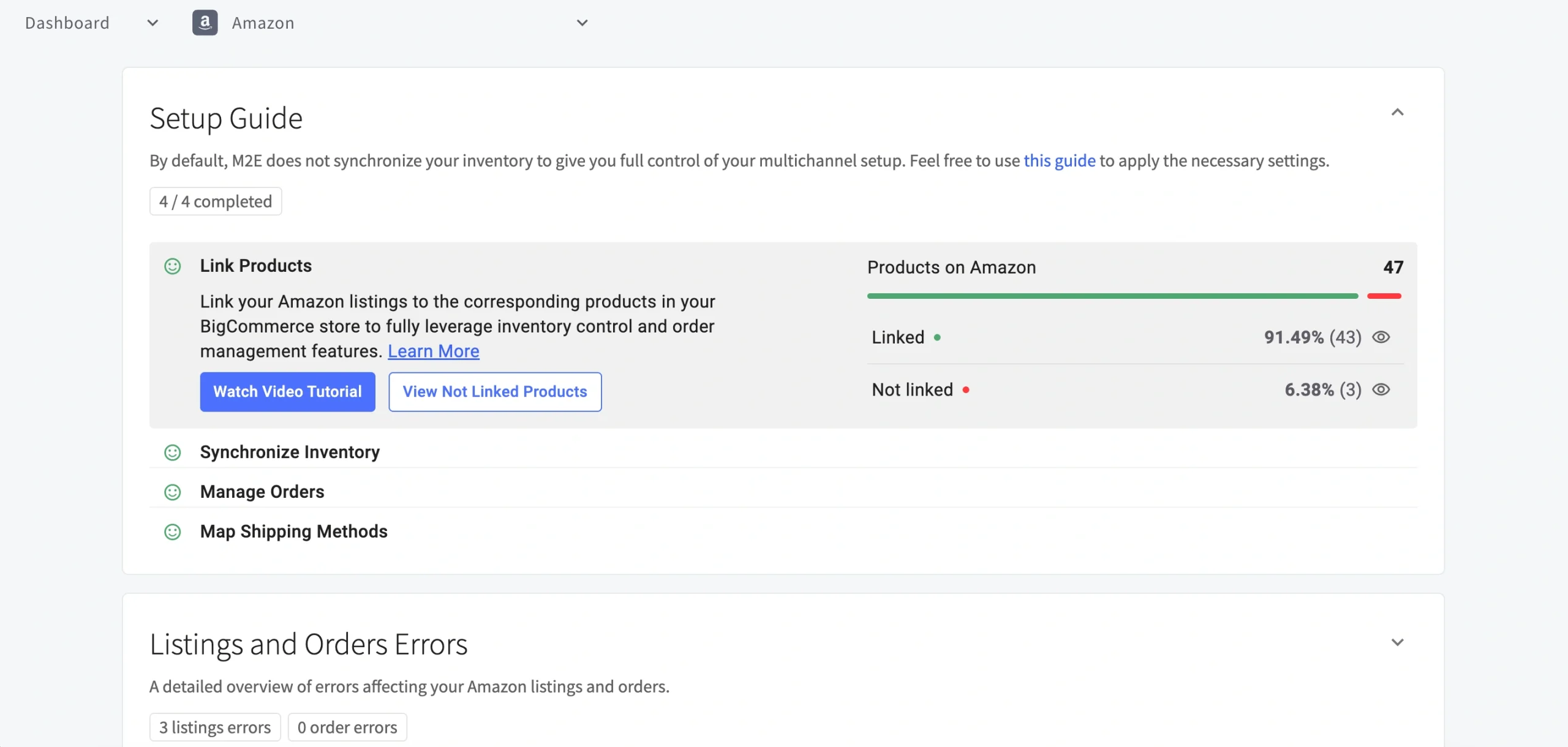
⚠️ Pokud vaše produkty nejsou propojené, aplikace nebude schopna správně synchronizovat vaše objednávky MCF.
Krok 4. Nastavení synchronizace zásob #
Synchronizujte stav zásob v BigCommerce se službou Amazon FBA pomocí nastavení skladových zásob.
1) V Průvodci nastavením klikněte na položku Nastavení skladových zásob v části Synchronizace skladových zásob.

2) Na stránce Nastavení vyhledejte sekci Upravit skladové zásoby BigCommerce pro MCF.
Zde můžete zapnout synchronizaci množství a určit, jakým způsobem se mají skladové zásoby aktualizovat: buď přepsáním stávajících množství hodnotami FBA, nebo přidáním množství FBA k aktuálním skladovým zásobám BigCommerce.

💡 For more information on how to enable and adjust inventory sync, follow our guide on Amazon MCF BigCommerce stock synchronization.
Step 5. Set up order processing #
Configure how M2E handles BigCommerce orders through Amazon MCF. Under the Manage Orders section, click Order Settings.
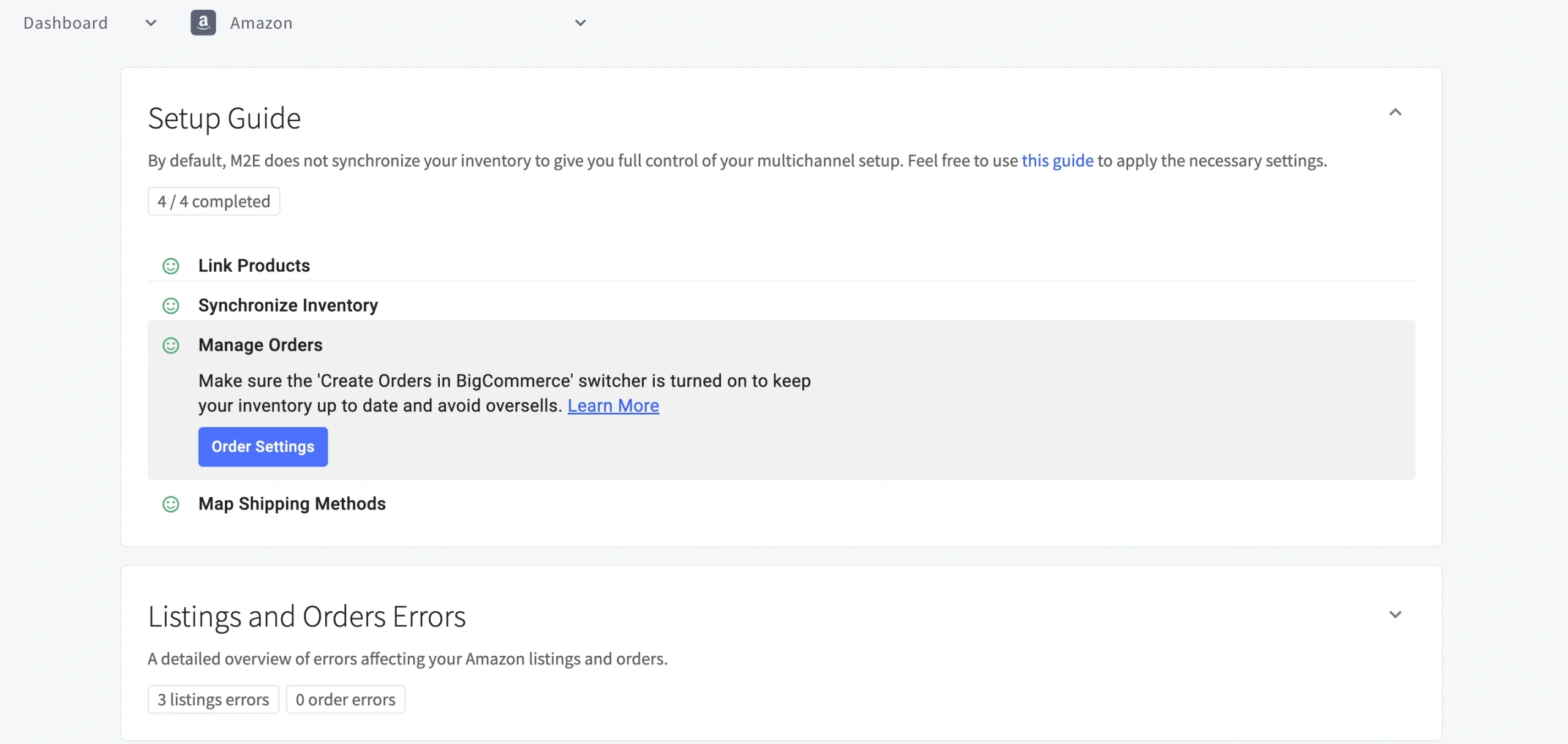
Order management #

| Setting | Description |
|---|---|
| Create Amazon MCF orders from BigCommerce orders only for linked items | Automatically submits fulfillment requests to Amazon when new BigCommerce orders come in, provided the items are linked to FBA inventory. |
| Create Amazon MCF orders from BigCommerce orders only for items with MCF Fulfillment enabled | Restricts Amazon order creation to products you have manually flagged for MCF. To flag products, open the Listings tab, select the relevant items, and apply Enable MCF Fulfillment from the mass actions menu. |
⚠️ The app will only forward an order to Amazon MCF if all required conditions are satisfied, such as the item being available in FBA, sufficient stock, and a confirmed payment. Refer to the Requirements for Automated Fulfillment section for the complete list.
Delivery options #
Control how your MCF orders are packaged and shipped.

| Setting | Description |
|---|---|
| Block Box Order Fulfillment | Ensures MCF orders are shipped in plain, unbranded boxes without Amazon logos. Useful to preserve your store's brand identity. |
| Block Amazon Logistics | Removes Amazon Logistics from the list of available carriers, so you can rely on alternative shipping providers. |
| Fulfillment Mode | Determine how Amazon processes MCF orders that contain multiple items: - All or Nothing – The order ships only when every item is in stock. If any item is out of stock, the entire order is cancelled. - Wait Until Complete – Amazon holds the order until all items become available before shipping. - Ship What’s Ready – Available items ship immediately; the rest are sent later once restocked. |
Optimize your fulfillment setup #
Once your M2E Amazon MCF app is configured, use the recommendations below to avoid common issues and maintain reliable fulfillment.
Requirements for automated fulfillment #
The M2E Amazon MCF app creates an Amazon fulfillment order only when all of the following conditions are met:
- All items in the order exist on Amazon as FBA inventory.
- BigCommerce products are linked to their corresponding Amazon FBA listings.
- All ordered items have available stock.
- The BigCommerce order has been paid.
- The customer's shipping address aligns with the fulfillment country of the Amazon items.
- The order was placed after MCF order creation was enabled in your M2E app settings.
- The BigCommerce order status is Processing (not already Fulfilled).
Tracking and fulfillment updates #
Once Amazon processes an order, M2E automatically keeps your BigCommerce store up to date:
- Order status sync. The app continuously updates BigCommerce with Amazon's fulfillment progress.
- Tracking information. Once Amazon ships an order, tracking details automatically sync to BigCommerce.
- Partial shipments. If an order is shipped in multiple batches, each tracking number is updated accordingly.
Expand fulfillment beyond BigCommerce #
M2E Multi-Channel Fulfillment by Amazon isn't limited to BigCommerce. It also supports automated order fulfillment for marketplaces like eBay, TikTok Shop, Kaufland, Temu, and more.
Here's how the workflow looks across platforms:
- A customer places an order on any connected sales channel (e.g., BigCommerce, eBay, TikTok Shop).
- If the ordered products satisfy all MCF fulfillment conditions, the app automatically submits an MCF order to Amazon.
- Amazon processes and ships the order, and tracking details sync back to BigCommerce or the original marketplace.
M2E Amazon MCF allows you to manage fulfillment across multiple sales channels from a single FBA inventory.
✅ If you need help setting up M2E Amazon MCF for BigCommerce, feel free to reach out to our support team.


