
Need help working with M2E?
This article covers every way to get support and explains what each channel is best for. You will find an in-app widget, documentation, video guides, the M2E Cloud Support Portal, and instructions for submitting a ticket or booking a live demo.
First line of support #
The in-app support widget is the best place to start when you need help. You can contact Support while you work in M2E Cloud and submit a request with the right context. This reduces follow-up and helps resolve issues faster.
How to open the chat?
- Click Support in the upper right corner of the screen.
- Use the suggested options for quick answers or search for a topic.
- If you still need assistance, select Contact us, describe the issue, and send your request to Support.

When to pick? Use the form to ask questions, report issues, or submit a request without leaving the app.
Second line of support #
Contact us via the Support Portal when you have a question or run into a technical issue.
💡 Before you contact us, take a minute to collect the basics. Note which marketplace or integration is affected, what you were trying to do, and what happened instead. This will help you get a clear answer with fewer back-and-forths.
M2E Cloud Support Portal #
From the Support Portal, you can:
- Browse knowledge base articles
- Submit a support ticket
- Track the status of your requests
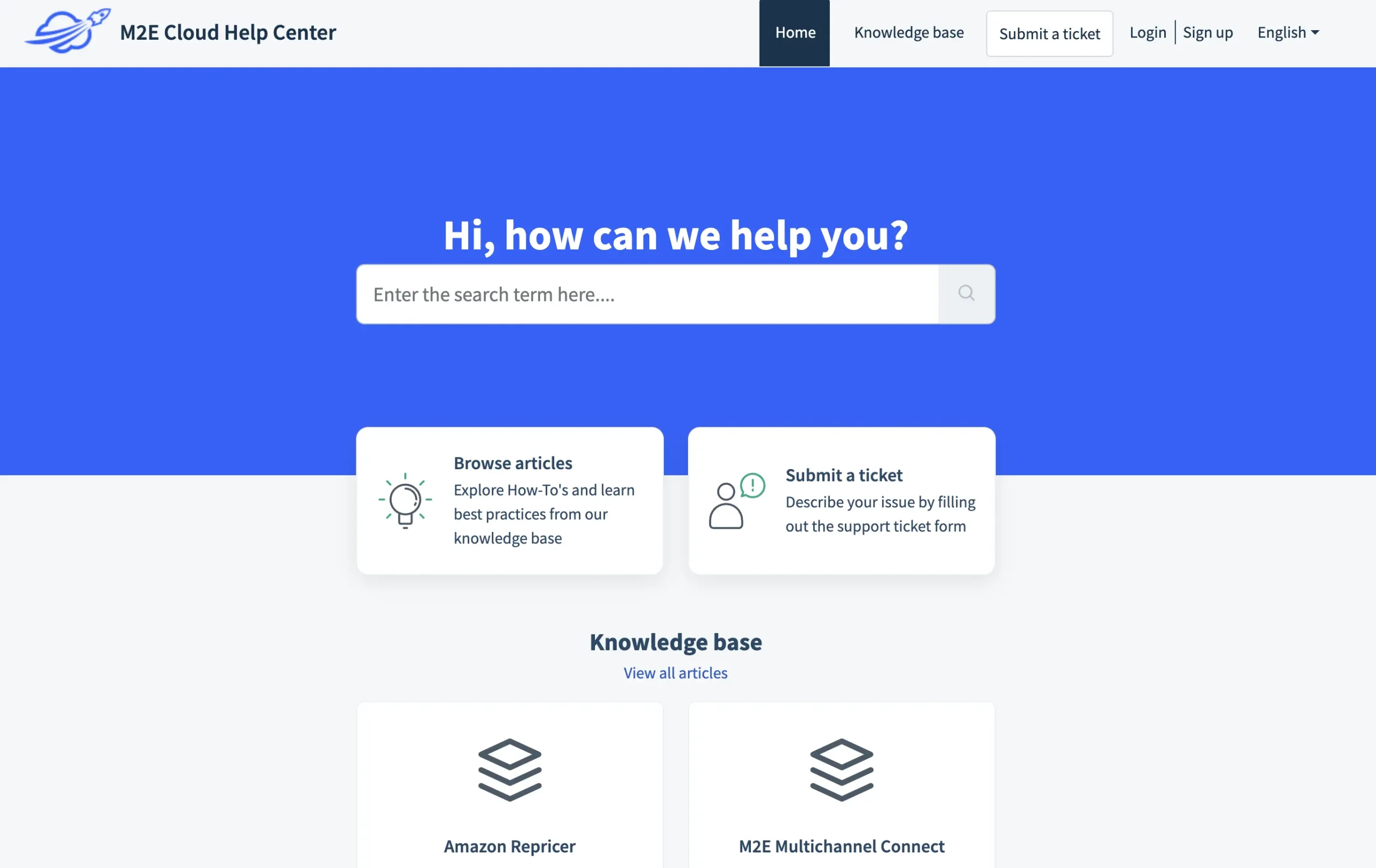
When to pick? Use the knowledge base for fast answers, clear explanations of specific features, and guidance for standard workflows.
Submit a Support Ticket #
Submit a support ticket when you need direct help from the M2E Cloud Support team.
How to submit a ticket:
- Open the Support Portal.
- Choose Submit a ticket.
- Describe your issue, and our support team will reach out to you as soon as possible.
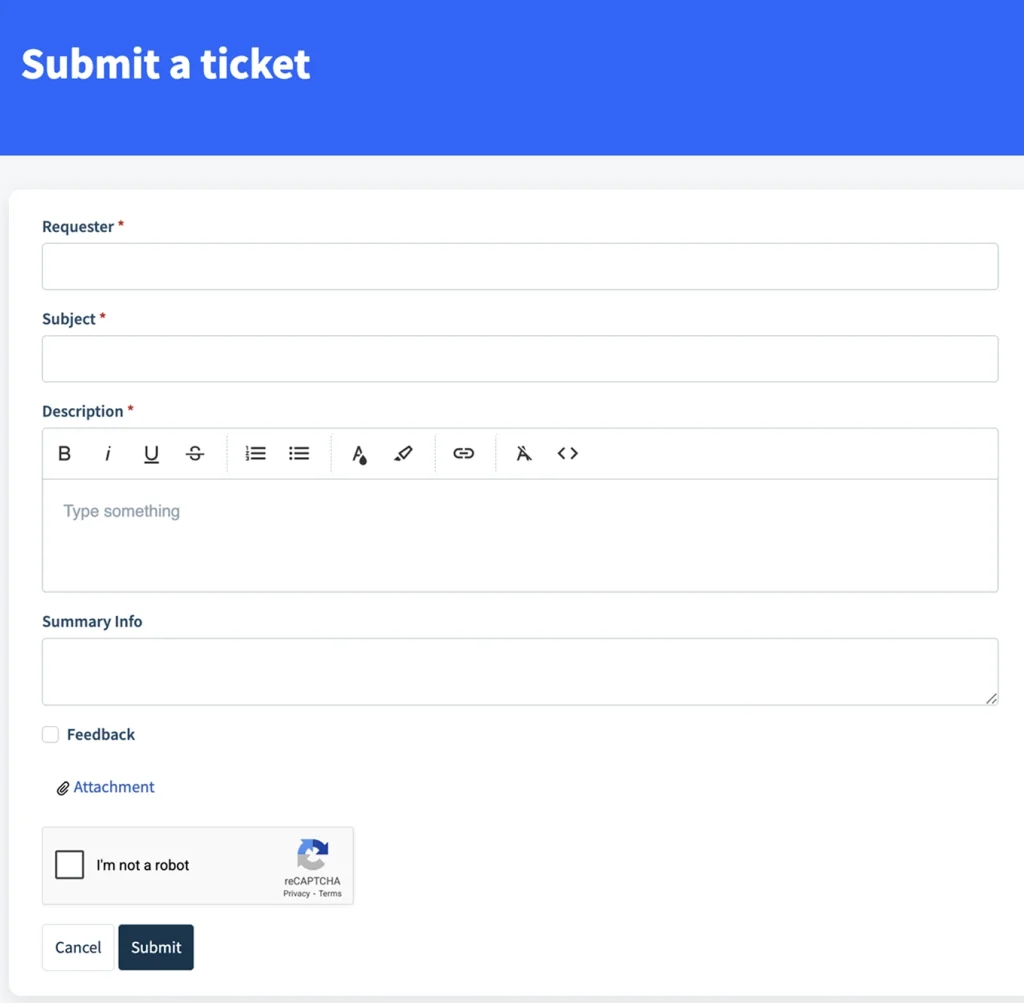
How to get your issue resolved faster:
- Specify the marketplace or integration involved
- Include relevant SKUs or product IDs
- Add order numbers, if applicable
- Attach screenshots or screen recordings
- Copy error messages exactly as shown
The more details you provide, the quicker we can help you.
When to pick? Choose for technical issues, account-related problems, unexpected system behavior, and errors that require investigation.
Contact via website #
Use the website contact form or email support@m2ecloud.com for general requests.
When to pick? Choose this option for partnership questions, product inquiries, or other non-technical topics. For technical issues in your account, use the Support Portal.
If you are an active user with a technical issue, the Support Portal remains the recommended option.
Third line of support #
For general guidance and how-to questions, self-service resources are the next step. They are quick to use and cover the most common workflows.
Documentation #
The M2E Cloud User Guides, the site you are on now, are the primary source of product information on how to use the platform.
Inside the documentation, you will find store setup guides, marketplace-specific instructions for each supported channel, feature explanations, and step-by-step workflows. The guides also include best practices for everyday tasks.
✅ The User Guides are updated regularly and cover all major M2E Cloud products and integrations.
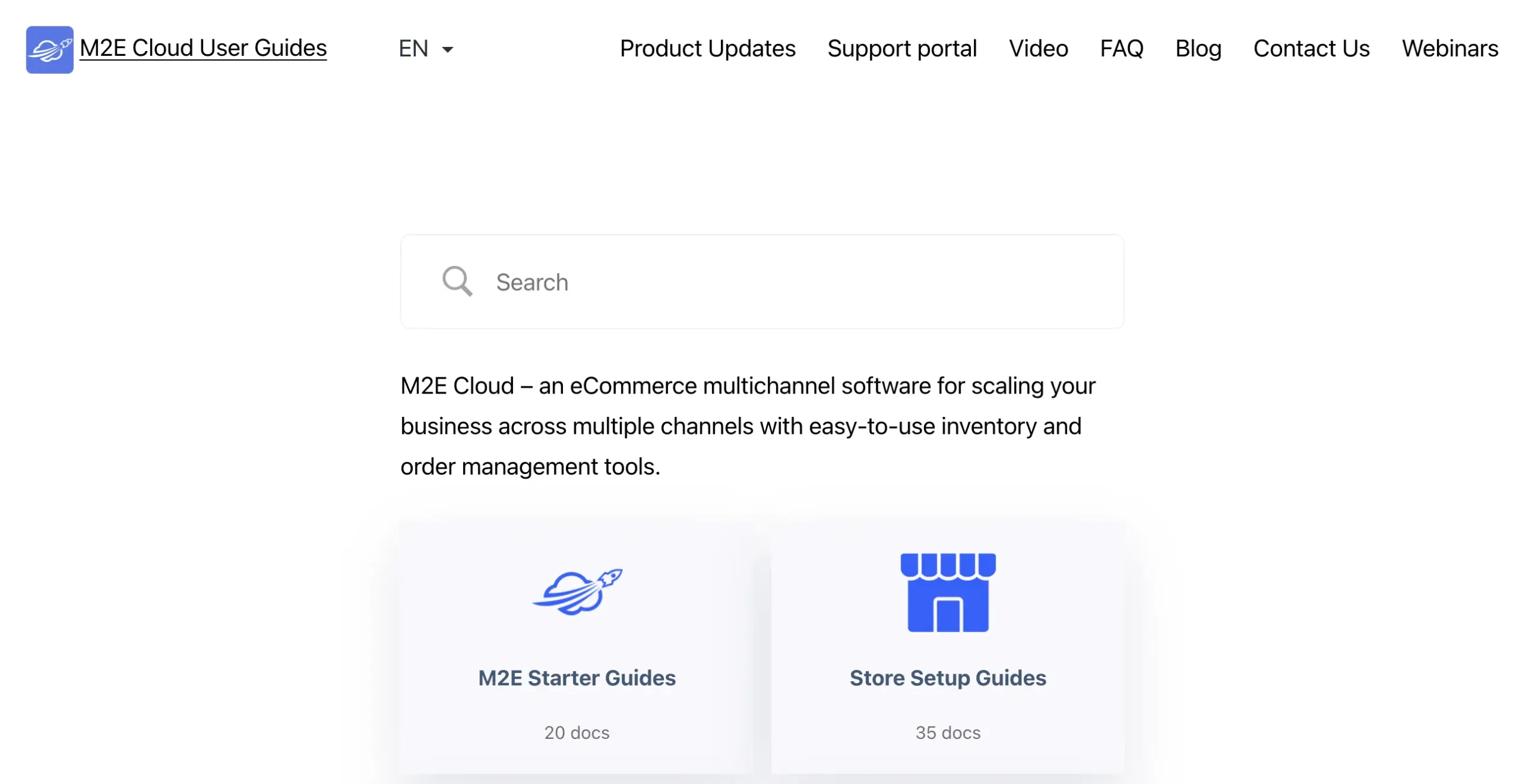
When to pick? Choose the documentation when you need structured guidance and reliable steps you can follow.
Video guides #
M2E Cloud offers video tutorials that walk you through key tasks.
Here is the YouTube playlist where all video tutorials are stored. These tutorials cover initial setup, workflows, and functionality for daily activities.
When to pick? Choose video tutorials if you prefer visual learning, are new to M2E Cloud, or need a refresher.
Bonus: Book a Live Demo #
If you want product guidance instead of technical support, you can book a live demo.
Schedule a call with our team if you are new to M2E Cloud and want to ensure integrations fit your workflow.
ℹ️ A demo session is not a support channel. It’s intended for product overview, onboarding, and first questions.
FAQs #
I am new to M2E Cloud. Where should I start? #
Start with the User Guides. Pick your platform or marketplace section and follow the setup flow from start to finish. Use video tutorials when you want to see the steps on screen.
Something isn’t working. What should I do? #
First, confirm the steps you took and try to reproduce the issue. Then open a support ticket and explain what you expected to happen and what happened instead. Include the steps to reproduce the problem so the team can test it on their side.
I want product guidance, not technical help. What should I choose? #
Book a live demo if you want help choosing the proper setup, planning a workflow, or understanding how M2E Cloud fits your use case. You can also contact our team via the website to describe your issue.


