
Table of Contents
Before troubleshooting a specific TikTok Shop error, it's important to locate the products affected by it. This will help you focus only on the listings that require action.
Step 1. Open TikTok Shop listings #
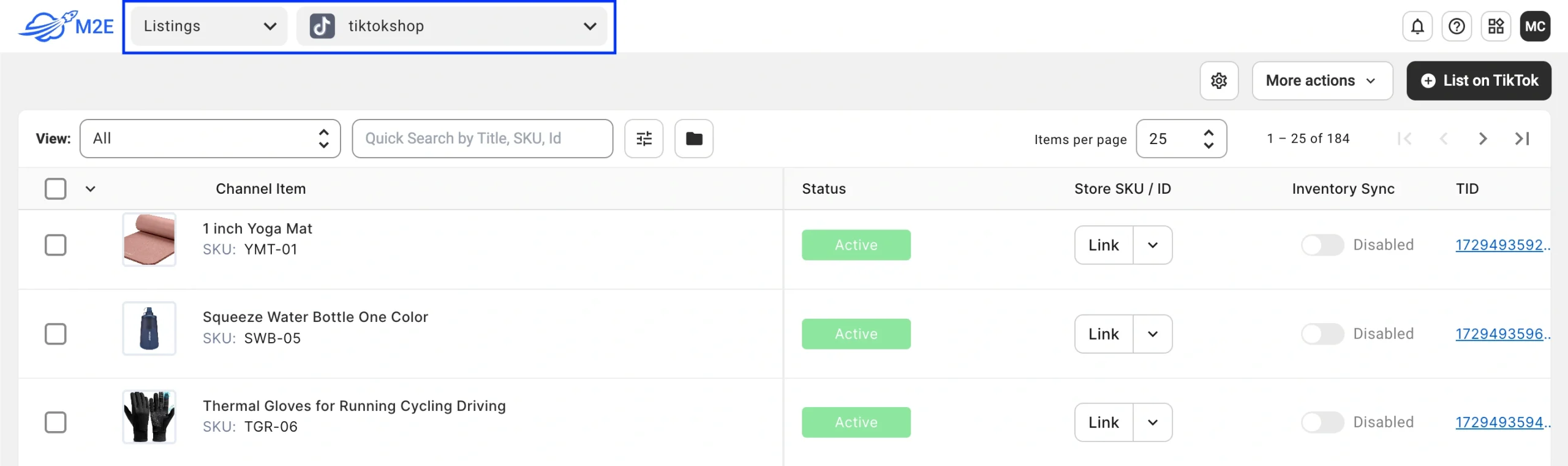
Navigate to the TikTok Shop Listings tab in the M2E Multichannel Connect app.
Step 2. Filter items by errors #
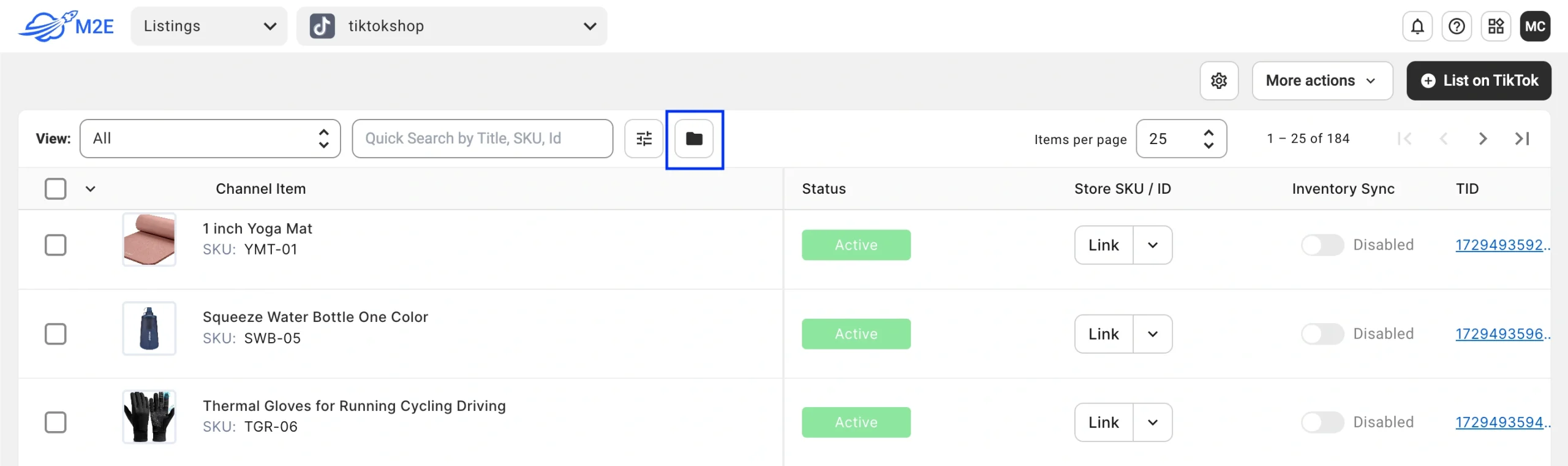
Click the Groups icon (folder icon) in the top right corner of the Listings tab.
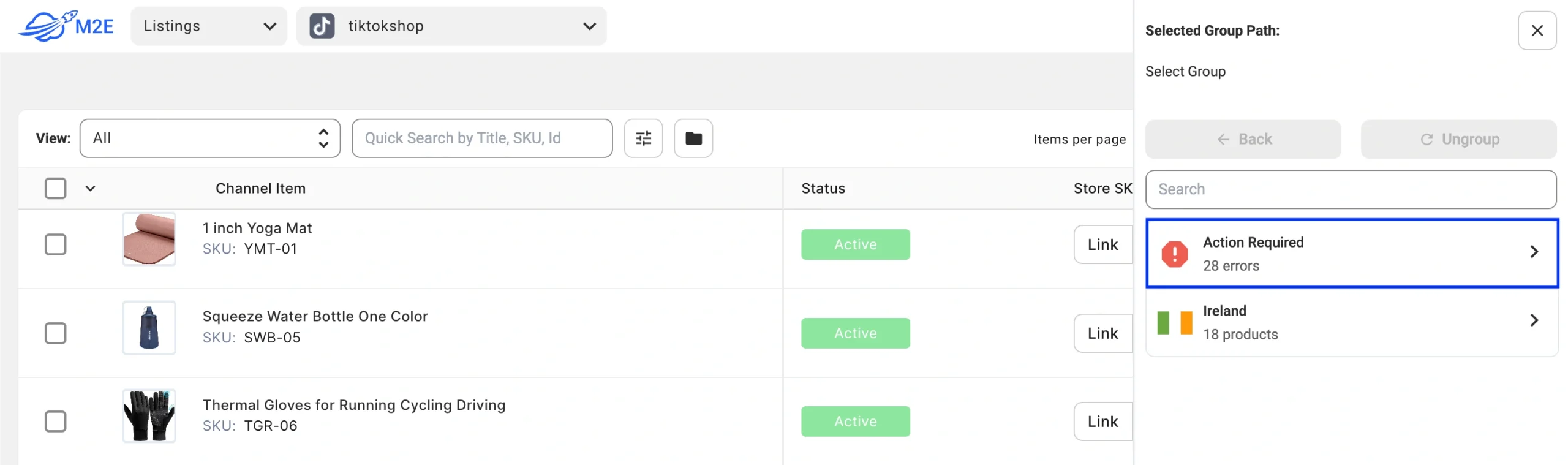
Select the Action Required group path.
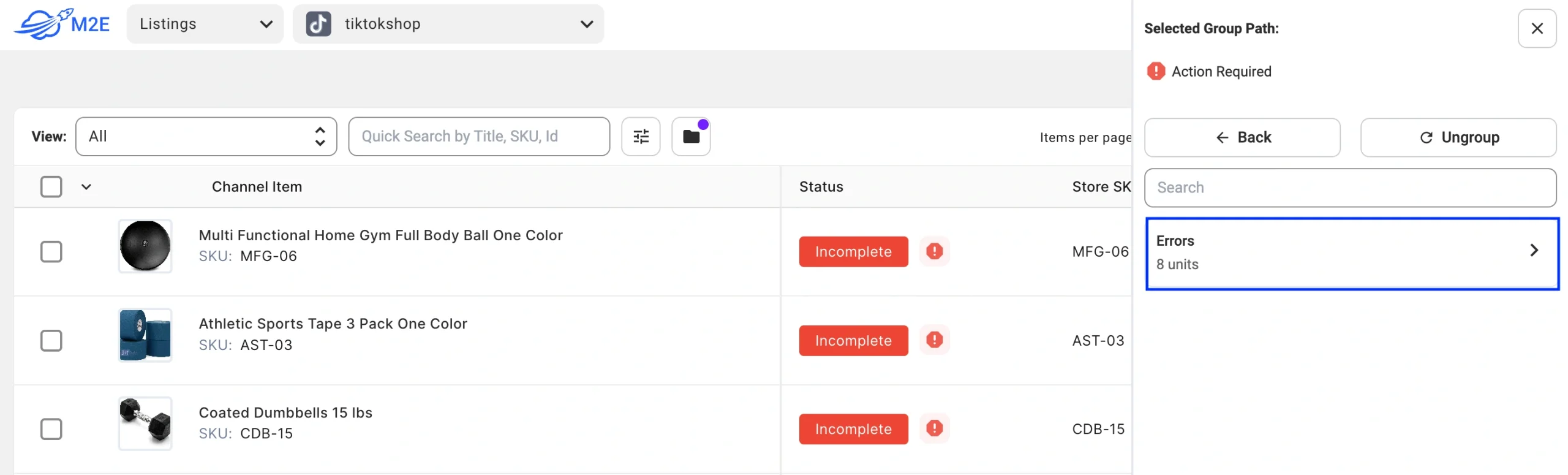
Then click Errors to display all TikTok Shop listings currently affected by any error.
Step 3. Select a specific error #
Click on the relevant error message to group and review TikTok Shop items affected by that particular issue.
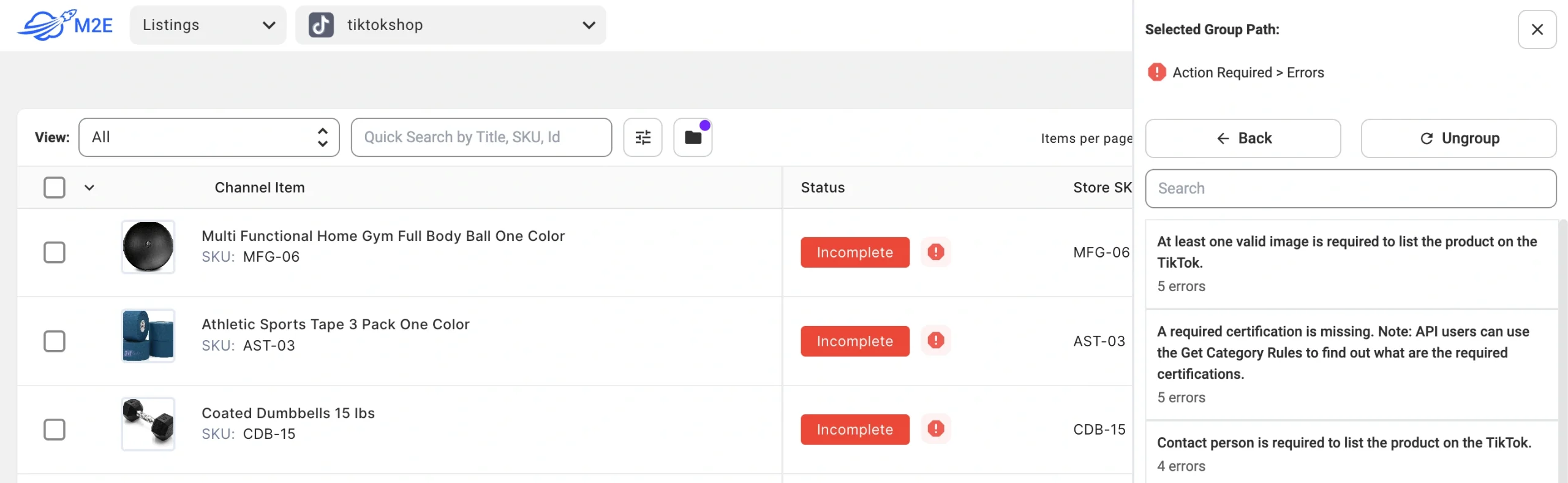
ℹ️ If there are multiple errors, repeat the steps for each error group to address them one by one.


