
Want to start selling on TikTok Shop in Ireland? Here’s your go-to step-by-step guide, whether you're a sole trader or a registered company.
⚠️ Please note that the information provided is accurate as of July 31, 2025. Please refer to the TikTok Shop EU Seller Registration Policy for the most up‑to‑date information.
Step 1: Create Your TikTok Shop Account #
Begin by signing up with your email address and phone number on the TikTok Shop Seller Center.
ℹ️ You can connect your store to TikTok using M2E TikTok Shop integration. A 30-day free trial and guided onboarding are available. Choose your region to get started.
Step 2: Choose Your Seller Type #
You'll be asked to select whether you’re registering as a Sole Trader or a Legal Entity. The documentation differs depending on your choice.
For Sole Traders #
- A valid EU-issued ID or passport for identity check.

Image source: TikTok Shop Seller Centre
- Proof of residential address (bank statement or utility bill issued within the last 3 months).
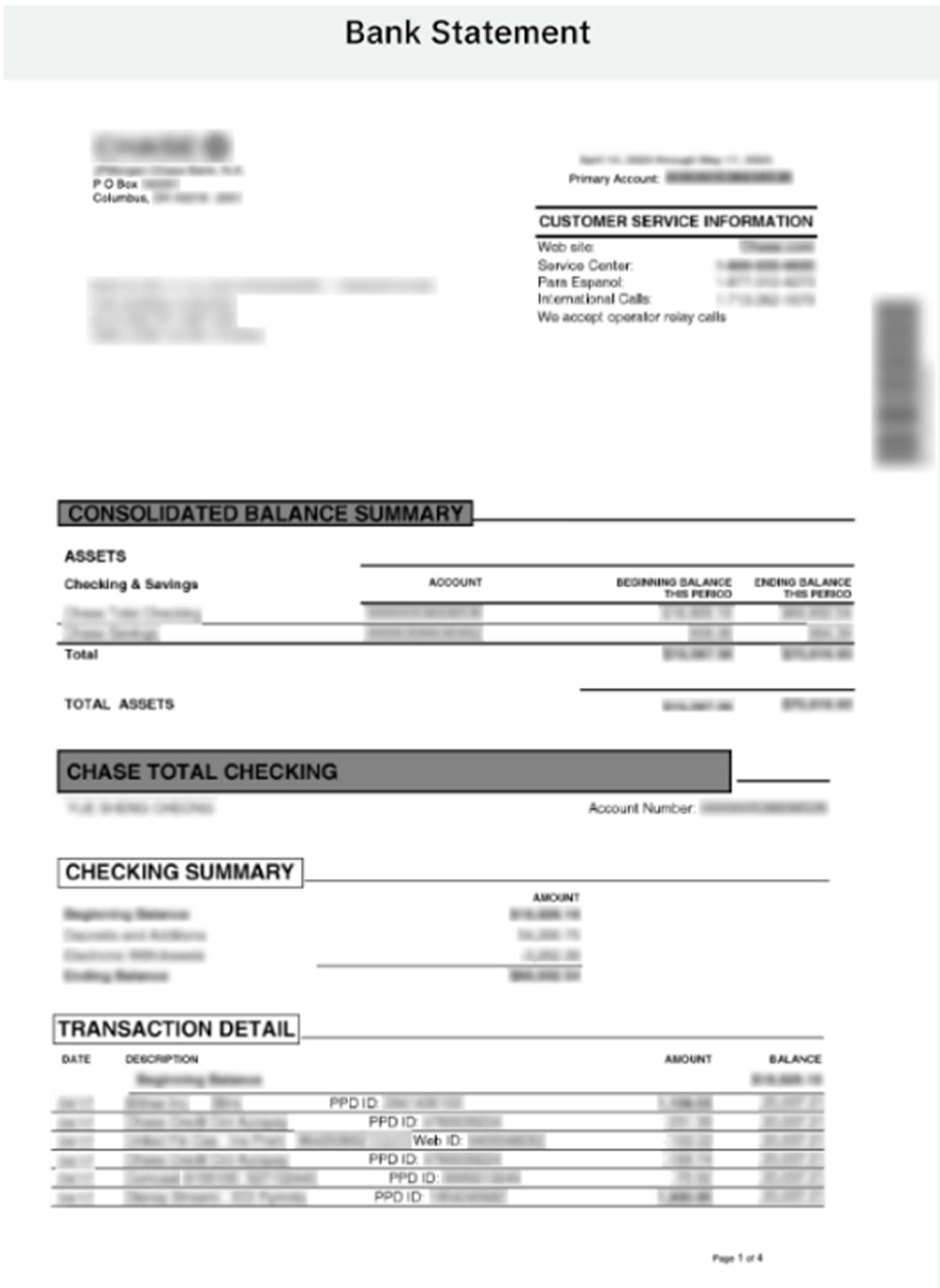
Image source: TikTok Shop Seller Centre
- You may need to record a selfie video holding your ID.
- Business name and registration number, if you're a registered trader.
- A local warehouse address for order fulfillment and returns.
- Contact details for customer complaints.
For Legal Entities #
- Business representative’s valid ID or passport.
- Proof of residential address for the representative.
- Company registration number and VAT number.
- Registered business and warehouse address (must be in Ireland unless applying for intra-EU selling).
- You may be asked for UBO (Ultimate Beneficial Owner) details if applicable.
- An authorization letter is required if a delegate is handling registration.
Step 3: Submit Verification Documents #
TikTok Shop requires official, authentic documents.
Identity documents must be:
- Government-issued and in color.
- Clear, not cropped or blurred.
- Submitted in JPG or PNG format.
Address proof must:
- Match your name or your business rep’s name.
- Be dated within the past 3 months.
Bank account info must:
- Come from an EU-based institution.
- Match the name of the applicant (for sole traders) or business entity (for legal entities).
- Include an unredacted copy of the first page of the bank statement.
You’ll also enter:
- Tax identification numbers.
- Shop name (no TikTok/brand misuses allowed).
- Contact details for customers (email, phone, return address).
Step 4: Pass the Identity Check #
TikTok may ask you (or your representative) to undergo a live identity check via video or third-party verification.
Consent is required for this.
Step 5: Wait for Approval #
Once submitted:
- You’ll receive an email confirmation upon successful review.
- Processing times may vary.
- Once approved, you’ll enter a Shop Probation Period before gaining full access.
Step 6: Stay Compliant #
After approval:
- Only list products that meet all Irish/EU regulations.
- Update your details if anything changes (address, bank info, business rep).
- TikTok may audit your account or request extra documents at any time.
For more details, visit the TikTok Shop Help Center to access guides, policies, and seller support.
💡Explore More Features
Learn more about TikTok Shop Integration by M2E Cloud:


