
If you’re selling on Temu across multiple European markets (Germany, France, Italy, and more), keep in mind that each market is treated as a separate store with its own Mall ID.
In M2E, you connect to these stores one by one. So if you’ve linked your Italy store, for instance, that’s the only one currently synced. To manage orders and keep inventory accurate across all your Temu EU marketplaces, you’ll need to connect each store separately.
How to connect additional Temu EU stores #
💡 Watch the video tutorial for a quick visual guide.
1) In M2E Multichannel Connect, navigate to Settings > Sales Channels.
2) In the pop-up, click Connect New Account.
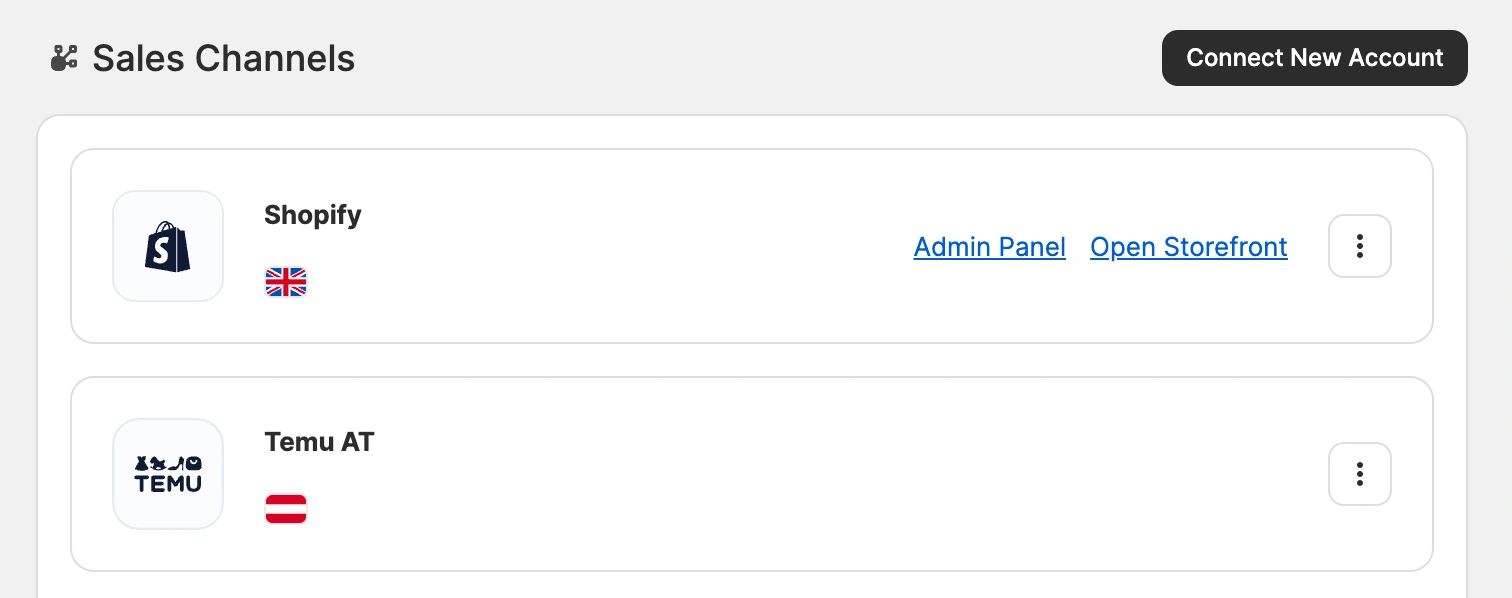
3) Select Temu from the list of marketplaces.
4) Under Europe, select the region that matches your account – United Kingdom, European Union, or other non-EU European countries supported by Temu.

5) Enter an account title (for example, Temu Germany) and click Connect.
6) Sign in to your Temu seller account and confirm access.
ℹ️ Repeat these steps for each of your Temu European stores.
✅ If you have any issues connecting your Temu stores, please contact our support team.


