
The “Cloudflare security restrictions” error occurs when Cloudflare blocks requests between your PrestaShop store and the M2E module. As a result, the module cannot establish a secure connection required for installation and further synchronization.
To fix this issue, adjust your Cloudflare settings so traffic from the M2E module is allowed.
Step 1. Whitelist M2E User-Agent #
Add the following User-Agent to your Cloudflare configuration and allow all requests containing it:
M2E Prestashop LibAllowing this User-Agent ensures Cloudflare does not block or challenge requests originating from the M2E module.
Step 2. Restart the M2E Module #
After updating your Cloudflare settings, return to your PrestaShop admin panel:
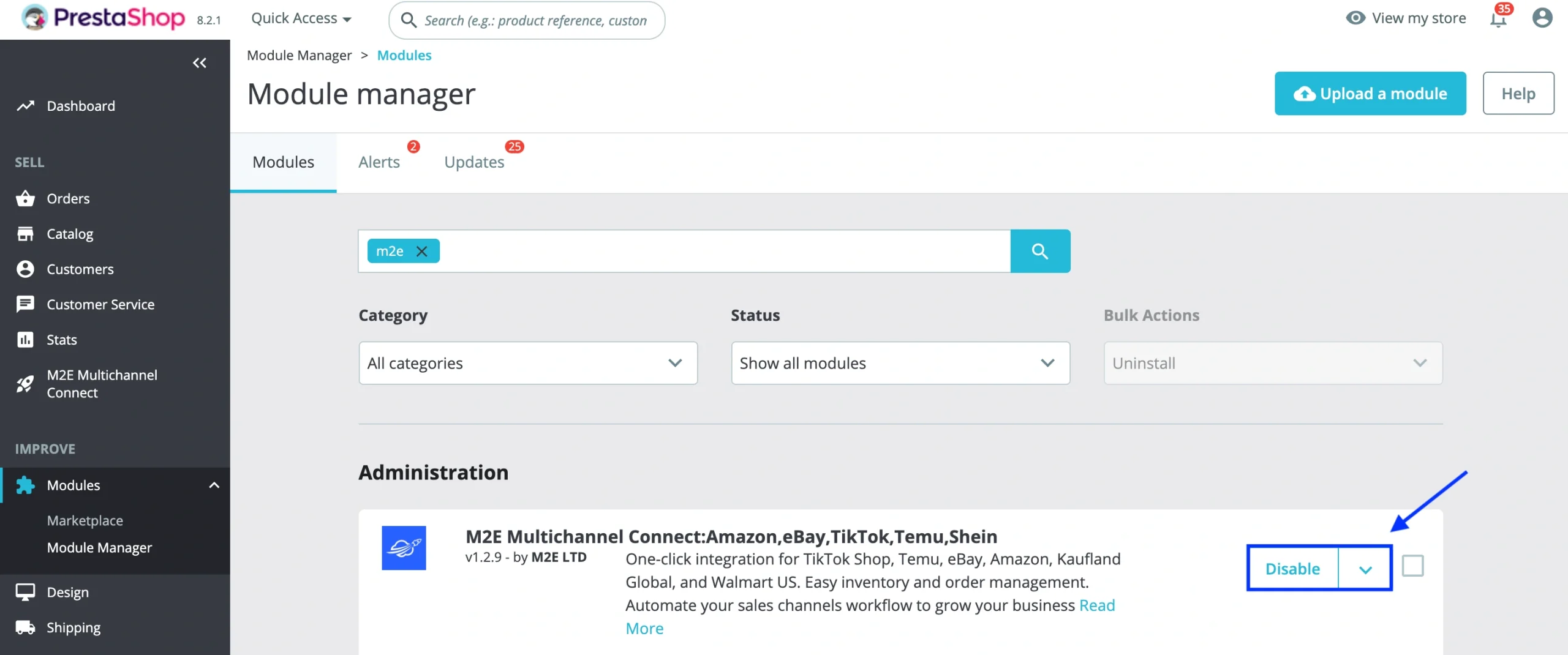
- Go to Modules > Module Manager.
- Find the M2E module.
- Click Disable, then Enable to reinstall the module.
You should now be able to complete the connection and use the module without interruption.
✅ If the issue persists, please contact our support team for further assistance.


