
Every month, we work to reduce the manual effort in multichannel selling. This batch of updates does exactly that, giving you simpler ways to manage pricing, handle listings, and reach new markets.
Let's walk through each update and how to use it in M2E Multichannel Connect.
What's new in M2E Cloud #
Sell on new TikTok Shop EU markets #
TikTok Shop is now open to merchants in Austria, Belgium, the Netherlands, and Poland.
If you already sell on TikTok Shop through M2E, you can extend your reach to these new markets right away. Connect your accounts, manage inventory and orders, and list products just as you do with other regions.
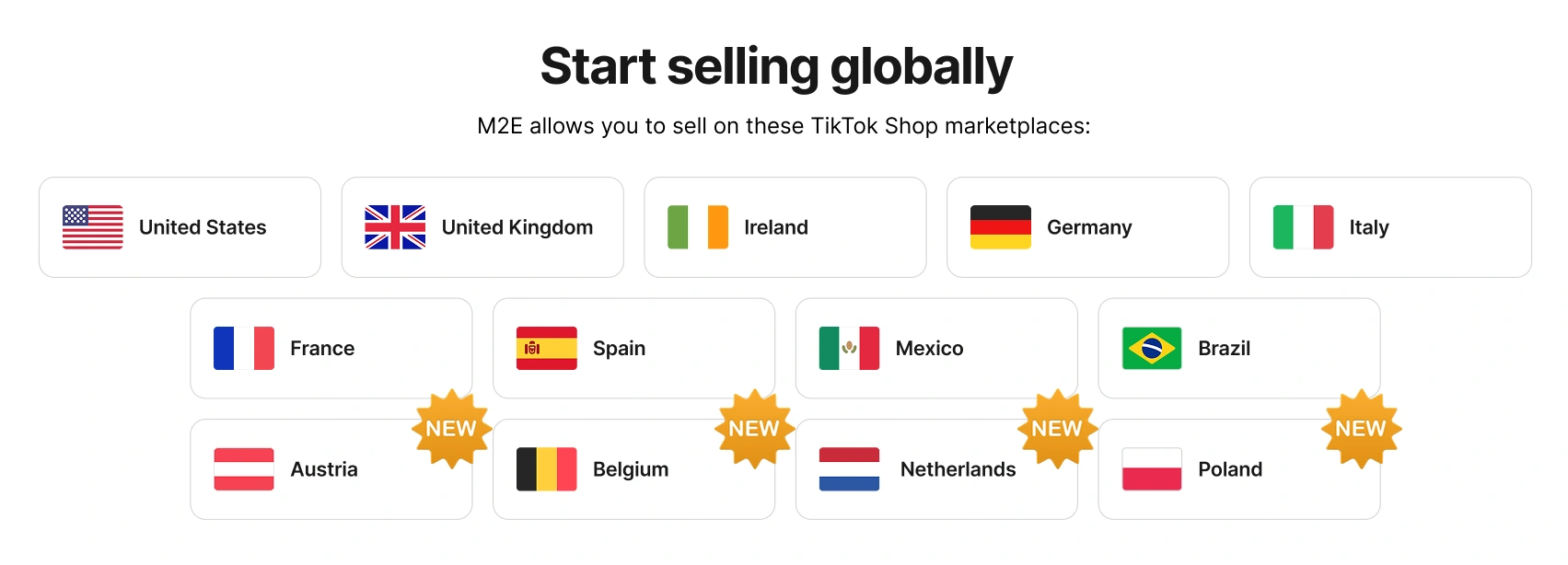
ℹ️ Have you connected your European TikTok Shop account but don't see the new markets? Go to Settings > Sales Channels, find your TikTok Shop account, and click Retrieve account details. The new markets should appear then.
✅ To get started faster, use the TikTok Sell Across EU program in M2E Multichannel Connect. It lets you replicate products to multiple markets at once, rather than setting up listings for each market separately.
Set a discount price for Mirakl channels #
You can now submit a discounted price for Mirakl listings to highlight savings for buyers and make your offers more appealing. In your Selling Policy, choose the source that M2E should pull the discount value from, such as your store price, a custom field, or a compare-at price field.

ℹ️ One important rule: the discount price must be lower than the regular price. If it's equal to or higher than the channel's unit price, M2E won't submit it to Mirakl channels.
Set channel-specific price modifications for Mirakl #
Different Mirakl channels have different commission rates, shipping costs, or competing offers, so a single price doesn't always work for all channels. To help you with this, M2E now lets you adjust how the price appears on each Mirakl channel compared to your base price.
To adjust the pricing per channel:
- Click Add Price Modification in the Price section of your Selling Policy.
- Select which Mirakl channel the modification applies to.
- Set the modification, either a fixed amount or a percentage increase/decrease.

You can add multiple modifications by clicking the plus icon, and a single channel can have more than one modification.
Sell on new Kaufland markets #
Kaufland Global Marketplace is growing. Spain and the Netherlands are joining the list of available marketplaces, opening up two more European audiences for your products.
Onboarding for the new marketplaces is already open. If you're interested, you can begin selling products there using M2E. Listing items now gives you a head start – fewer competing sellers while the markets are still fresh.

Map store attribute values to Amazon and Temu values #
Marketplaces often require a fixed set of values for certain attributes, and they expect an exact match. If your store uses "100% Cotton" for material, but the channel only accepts "Cotton", the listing is rejected.
Previously, fixing this meant going back to your store to edit the value or pointing the attribute to a different source. You can now handle it directly when listing products in M2E.
If a value doesn't match during listing, the M2E Listing Validator Assistant highlights the issue and offers a Map attribute values solution. You can select the supported marketplace value that corresponds to yours, and M2E saves the mapping. From then on, it's reused automatically for future listings and when editing a Category Policy for a product.

You can review or remove saved mappings under Settings > Mapping > Attribute Values:
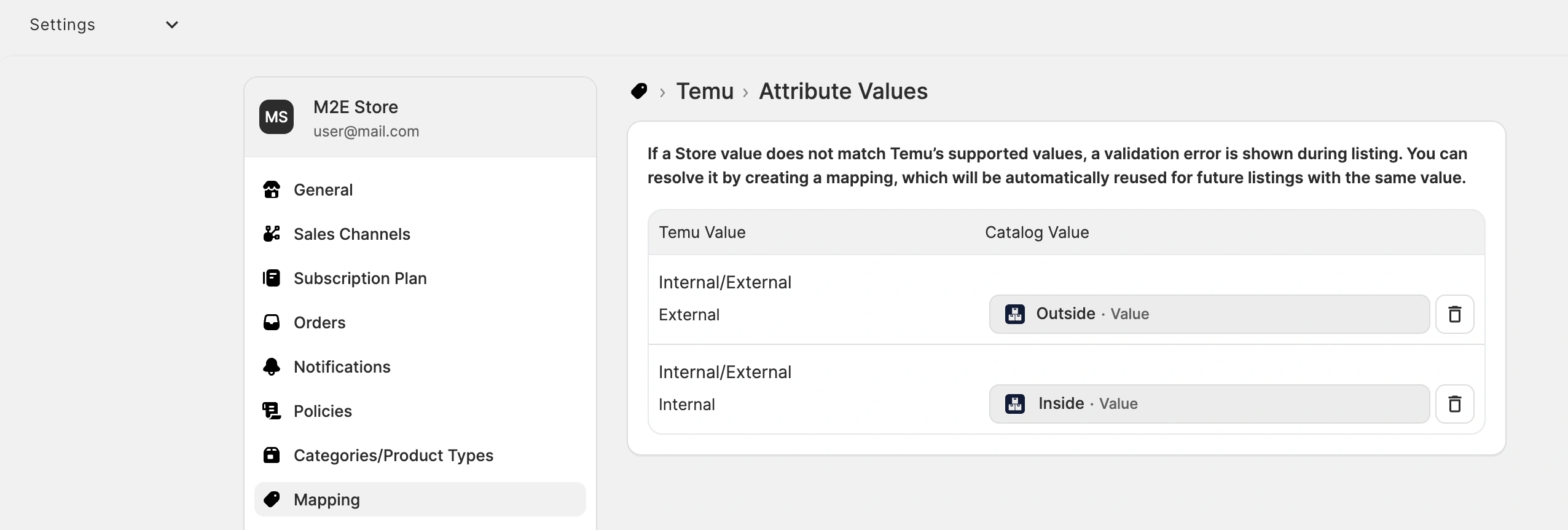
ℹ️ Attribute value mapping is available for Amazon and Temu, in addition to TikTok Shop and Mirakl.
Include or exclude values in your filters #
When you're filtering through a large catalog, it's often quicker to exclude a few values than to select all the ones you want to keep. Filters now let you do both.
Each list-based filter can now run in one of two modes: Is, which keeps only the values you select, or Is not, which leaves them out. "Is" is the default, so your existing filters work exactly as before. But you can switch any of them to "Is not" when excluding is the faster route.
The filters will come in handy when you're selecting products during the listing process, or when bulk-editing products already listed on a channel. For example, you might need to update the attributes or details of a specific product group.

What's next in M2E Cloud #
We’re developing new features to support your multi-channel selling:
- Support for eBay and Amazon order returns and refunds in Shopify
- Listing of products with variations on Mirakl marketplaces
As always, our support team is here to help if you have questions or need guidance. And if you'd like to see a particular feature in M2E, share it in the comments.


